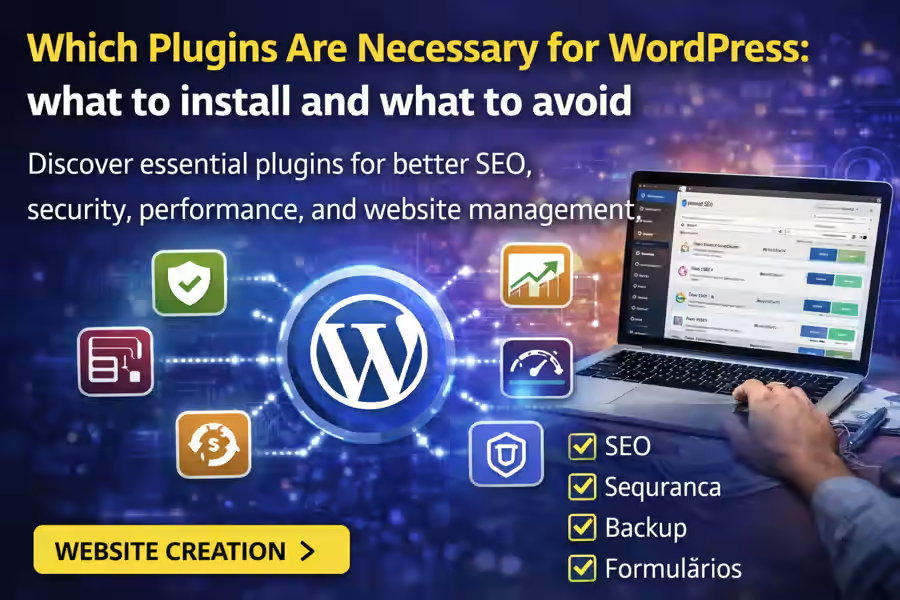
One of the biggest advantages of WordPress is the ability to expand a website with plugins. However, one very common question appears right at the beginning: which plugins are necessary for WordPress? The right answer is not to install everything that seems useful, but to choose only the plugins that truly improve performance, security, and website management.
Plugins can turn a simple website into a much more complete platform with SEO, security, forms, backups, and many other useful features. At the same time, too many plugins can make the website slower, harder to maintain, and more vulnerable to errors. If you want to better understand the full potential of the platform, it is also worth reading the main guide on WordPress Website Creation.
In this article, we will look at which plugins are usually really important, which areas deserve the most attention, and what mistakes you should avoid when choosing extensions for your project.
Why are plugins important in WordPress?
WordPress already offers a solid foundation for building a website. However, plugins make it possible to add specific functionality without developing everything manually.
With the right plugins, you can improve:
- security;
- speed;
- SEO;
- forms;
- backups;
- online stores;
- integration with external tools;
- user experience.
That is why understanding which plugins are necessary for WordPress is an important part of any professional project.
Do you need to install many plugins?
No. This is one of the most common mistakes. Many people install too many plugins at the beginning, thinking that more features automatically mean a better website. In practice, this usually has the opposite effect.
A WordPress website should have only the plugins that are truly necessary for its goals. A simple project can work very well with just a few carefully chosen plugins. If you are building the website on your own, it may also help to read How to Make a WordPress Website by Yourself.
Which plugins are necessary for WordPress?
Although every website has different needs, there are some plugin categories that are important in most projects.
1. SEO plugin
One of the first types of plugins to consider is an SEO plugin. It helps organize titles, meta descriptions, sitemaps, indexing, and several other important elements that improve visibility on Google.
This type of plugin is especially useful for:
- editing titles and descriptions;
- improving the technical SEO structure;
- generating sitemaps;
- guiding optimization best practices.
If the website is intended to attract organic traffic, an SEO plugin is usually essential.
2. Security plugin
Security is an area that should never be ignored. Even small websites can become targets of login attempts, spam, or vulnerabilities.
A security plugin can help with:
- login protection;
- blocking suspicious attempts;
- firewall features;
- activity monitoring;
- overall website protection.
If the project is important for your business, investing in security from the beginning makes a lot of sense.
3. Backup plugin
Another very important type of plugin is a backup plugin. Having automatic backups can prevent major problems in case of a technical issue, server failure, broken update, or attack.
With a good backup system, you can:
- restore the website more quickly;
- avoid content loss;
- protect the investment made in the project.
Many people only realize how important backups are after something goes wrong. The best approach is to prepare this from the beginning.
4. Cache and performance plugin
If you want a fast website, you need to pay attention to performance. A cache plugin can help significantly improve loading time and the overall user experience.
Usually, this type of plugin works on areas such as:
- page caching;
- resource optimization;
- more efficient loading;
- overall speed improvements.
Website speed affects not only the visitor experience, but also SEO.
5. Forms plugin
Almost every website needs some type of contact option. That is why form plugins are among the most useful tools in WordPress.
With them, you can create:
- contact forms;
- quote request forms;
- newsletter signup forms;
- lead generation forms;
- more advanced forms.
A simple, clear, and functional form can make a major difference in website conversion.
6. Anti-spam plugin
If your website has forms, comments, or any kind of data entry, spam can quickly become a problem. An anti-spam plugin helps reduce automated messages and unwanted submissions.
This type of protection improves:
- the quality of received inquiries;
- security;
- website organization;
- management experience.
7. Image optimization plugin
Images have a strong impact on website speed. An image optimization plugin helps reduce file size without seriously affecting visual quality.
This contributes to:
- faster loading;
- better mobile experience;
- stronger overall performance;
- technical SEO support.
8. E-commerce plugin, if needed
Not every website needs to sell online. But if that is the goal, then you will need a specific plugin for e-commerce, such as a solution for product catalogs, payments, and orders.
In these cases, the level of complexity increases, as does the importance of choosing the right features for the website. If you are also evaluating the required budget, you can read How Much Does a WordPress Website Cost.
Essential plugins depend on the type of website
It is important to understand that the answer to which plugins are necessary for WordPress changes depending on the type of project.
For a simple business website
Usually, plugins for the following are enough:
- SEO;
- security;
- backups;
- caching;
- forms.
For a blog
In addition to the previous ones, it may also make sense to use extra tools for:
- content management;
- sharing;
- performance;
- editorial organization.
For an online store
Here the website may also need:
- e-commerce;
- payments;
- shipping;
- stock management;
- automated emails;
- invoicing integrations.
How do you choose the right plugins?
It is not enough to look only at the plugin name or at what it promises. Before installing anything, it is worth reviewing a few important points:
- reputation;
- update frequency;
- compatibility with your WordPress version;
- reviews;
- performance impact;
- real need for the project.
It is also important to make sure the plugin fits well into the overall website structure. If you are still in that stage, it can also help to read How to Choose a WordPress Theme, because themes and plugins should work well together.
What should you avoid?
In addition to knowing what to install, it is also important to know what to avoid.
1. Too many plugins
Installing too many plugins can cause conflicts, slow performance, and maintenance difficulties.
2. Outdated plugins
Plugins that are abandoned or not updated regularly can become security risks.
3. Plugins with duplicate functions
There is no reason to install several plugins that do almost the same thing. That only makes the project more complicated.
4. Installing without a strategy
Each plugin should have a clear role inside the website. Without that, the project becomes harder to manage.
To avoid these kinds of problems, it can also help to read Mistakes When Creating a WordPress Website.
Does WordPress offer more freedom in this area?
Yes. One of the biggest advantages of WordPress is exactly the freedom to choose tools and customize the website according to the project’s needs. That is why, in many cases, the platform offers more flexibility than other solutions. If you want to compare this aspect with another option, you can also read WordPress or Tilda.
Are paid plugins worth it?
It depends on the goal of the website. In many cases, free plugins already solve the essentials. However, there are situations where a paid version offers:
- stronger security;
- better support;
- more features;
- greater stability;
- better integration.
For business projects, this can be very worthwhile.
Conclusion
Understanding which plugins are necessary for WordPress is essential for building a functional, fast, and scalable website. The most important thing is not to install many plugins, but to choose the right ones for the type of project you want to build.
In most cases, a good WordPress website needs a solid base with SEO, security, backups, performance, and forms. From there, the remaining plugins should be chosen strategically, always according to the website goals. And for a more complete view of the platform, this page should be linked to the main content about WordPress Website Creation.