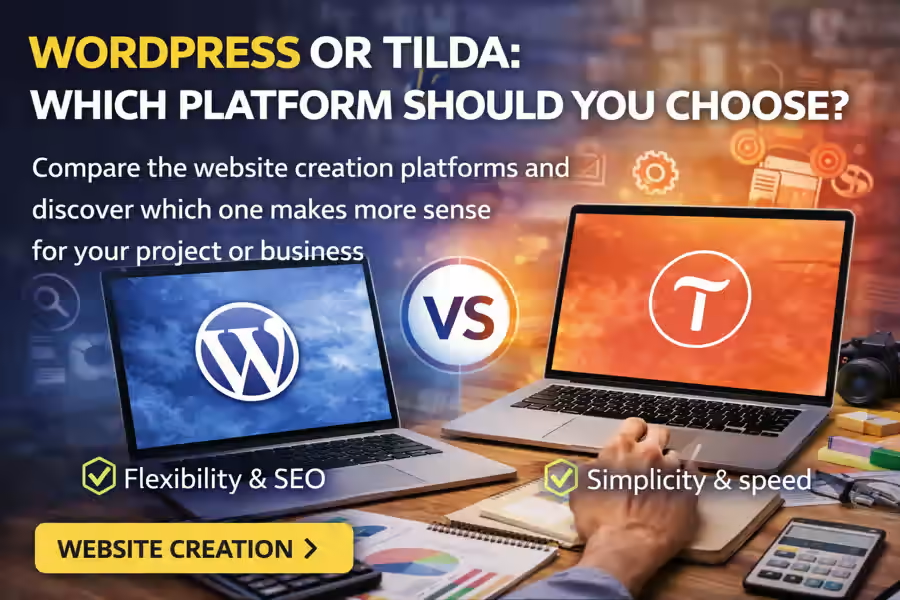
When it is time to create a website, one of the most common questions is this: WordPress or Tilda? Both platforms are well known, both allow you to launch modern websites, and both may seem like good solutions at first glance. However, they work in different ways and are designed for different needs.
The right choice depends on the type of project, the level of customization you need, the budget you have available, and how you plan to manage the website in the future. If you want a clearer understanding of WordPress as a professional solution, it is also worth reading the main guide on WordPress Website Creation.
In this article, we will compare WordPress and Tilda in a simple and practical way, so you can understand which one makes more sense for your business.
What is WordPress?
WordPress is one of the most popular website-building platforms in the world. It is a highly flexible content management system used for blogs, business websites, portfolios, online stores, and more advanced projects.
The main advantage of WordPress is freedom of customization. You can adapt almost everything: structure, design, features, SEO, integrations, and future website growth.
If you want a more practical overview of the process, you can also read How to Make a WordPress Website.
What is Tilda?
Tilda is a visual website-building platform known for its intuitive editor and strong focus on landing pages, promotional pages, and visually driven projects.
In general, Tilda is seen as a simpler solution for people who want to build pages quickly without dealing with many technical details. It is especially attractive for users who value a direct editing experience and ready-made templates.
WordPress or Tilda: key differences
Although both platforms can be used to build websites, there are important differences between them.
1. Ease of use
Tilda is usually easier to start with. Its visual editor is very straightforward and helps users create pages quickly, even without previous experience.
WordPress, on the other hand, usually requires a bit more learning in the beginning. However, it offers much more flexibility in the medium and long term.
If your main priority is immediate simplicity, Tilda may feel easier. If your priority is flexibility and long-term growth, WordPress is usually the stronger option.
2. Customization
At this point, WordPress usually has a clear advantage. The platform allows you to work with themes, plugins, visual builders, and deeper customization.
If you are planning a more complete website with multiple pages, a blog, integrations, and specific functionality, WordPress gives you much more freedom. To explore this topic further, you can also read How to Choose a WordPress Theme.
Tilda also allows customization, but within a more closed environment. That may be enough for simple projects, but it becomes more limited for larger websites.
3. Features
WordPress stands out when the project needs more functionality. With plugins, you can add almost anything:
- advanced forms;
- SEO tools;
- backups;
- security;
- private areas;
- automations;
- online stores;
- integrations with external services.
If you want to better understand this side of WordPress, it is worth reading Which Plugins Are Necessary for WordPress.
In Tilda, many basic features are already built in, which makes the first steps easier. However, the level of expansion is usually more limited compared with WordPress.
4. SEO
Both WordPress and Tilda allow you to work on SEO, but WordPress still offers a stronger foundation for projects that want to grow organically on Google.
In WordPress, you can control more deeply:
- headings;
- meta descriptions;
- URLs;
- performance;
- images;
- internal structure;
- dedicated SEO plugins.
Tilda also includes optimization tools, but the level of control is usually lower in more demanding projects.
5. Scalability
If your goal is to start small and grow over time, WordPress is usually the safer choice. The platform adapts very well to projects that evolve and require new pages, new functionality, and a broader digital strategy.
Tilda works well for more direct pages, campaigns, and visual projects, but it can become more limited when the website needs to grow in complexity.
6. Cost
When comparing WordPress or Tilda, cost is also an important factor. Tilda may seem simpler in terms of getting started because many functions are included within the platform itself.
With WordPress, costs can vary more because they may include:
- domain;
- hosting;
- theme;
- plugins;
- customization;
- development.
That is why it also makes sense to connect this article with How Much Does a WordPress Website Cost.
When should you choose WordPress?
WordPress is usually the better option when:
- you want a professional and scalable website;
- you need a blog and content strategy;
- you plan to invest in SEO over the long term;
- you want freedom of customization;
- you need specific features;
- you are thinking about a more complete business website;
- you want to build a stronger digital asset.
It is also a good option for people who want to learn and manage the project with more independence. In that case, you can also read How to Make a WordPress Website by Yourself.
When should you choose Tilda?
Tilda can be a good choice when:
- you need a landing page quickly;
- you want something simple to build;
- the main focus is visual design;
- you do not need many advanced features;
- the project is small and direct;
- you want to launch promotional pages without much complexity.
For some campaign pages, presentations, or quick tests, Tilda can work very well.
WordPress or Tilda for businesses?
For companies that want to build a strong digital presence, WordPress usually offers more advantages. That is because a business website is rarely just a beautiful page. It usually needs:
- a clear structure;
- service pages;
- SEO;
- content;
- trust;
- speed;
- room for growth.
In these cases, WordPress tends to be more complete and better prepared for medium- and long-term goals.
What mistakes should you avoid when choosing?
When comparing WordPress and Tilda, one common mistake is choosing only based on initial simplicity and ignoring the future of the project. A platform that seems practical at first may become limiting later.
Another mistake is not considering:
- who will manage the website;
- whether the project will grow;
- whether SEO will be important;
- whether integrations will be needed;
- whether the website will play a real business role.
It is also important to avoid rushed decisions about structure and setup. For that reason, it may be useful to read Mistakes When Creating a WordPress Website.
Conclusion
The choice between WordPress or Tilda depends on the type of website you want to build and the overall strategy of your project. Tilda can be an interesting solution for quick, visual, and simple pages. WordPress, on the other hand, is usually better for those who want freedom, scalability, SEO, and a stronger digital presence.
If the goal is to build a professional website with greater long-term potential, WordPress is usually the stronger choice. And to better understand everything this platform can offer, this page should be linked to the main content about WordPress Website Creation.